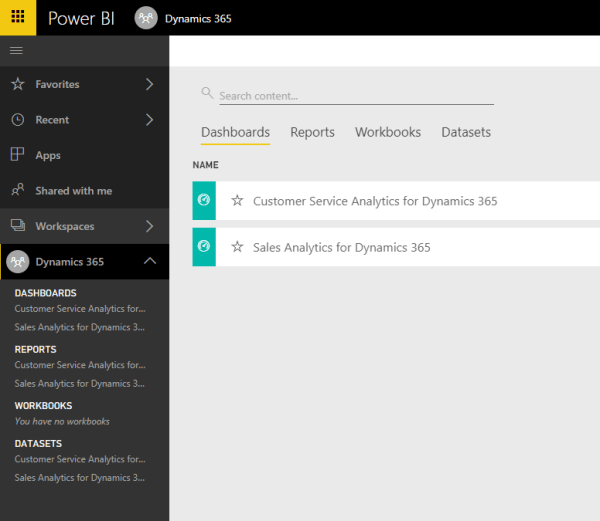
As we’ve seen in the previous post, getting content from Dynamics 365 for Sales or Service into Power BI is a relatively easy task when leveraging the Content Packs created by the great guys at the Power BI team. Now, with the content packs in place, let’s go back to our Dynamics 365 instance and... Continue Reading →
How to work with Power BI in Dynamics 365 for Sales and Service
With the obvious impact that Power BI brings to data analysis and visualization, Dynamics 365 Customer Engagement stands to benefit from a few pre-packaged features available. Not only we can bring CRM information onto Power BI, but we can also easily present Power BI elements inside Dynamics 365. So, it’s a win-win situation. To make... Continue Reading →
How to use the new MultiSelect option sets in Dynamics 365
Gone are the days when you had to write scripts to generate a multi-select on a form in CRM. The platform now offers out of the box the MultiSelect Option Set. You add it just like any other form field, and you define it just like any Option Set. What you get for that is... Continue Reading →
How to import .csv data into CDS
Welcome back to this small series of posts on PowerApps and CDS. Now that we’ve looked at how to create your first CDS database in the previous article HERE, let’s see how we can use it by loading some sample data. We can load a sub-set of data generated using a free online service like... Continue Reading →
Creating your first Common Data Service (CDS) database
Common Data Service is an Azure based service that allows you to bring data together from the Dynamics family of products, along with other external sources. It is based on the concept of having data living together in one place, where it can be served to apps created through PowerApps. As described in this previous... Continue Reading →